

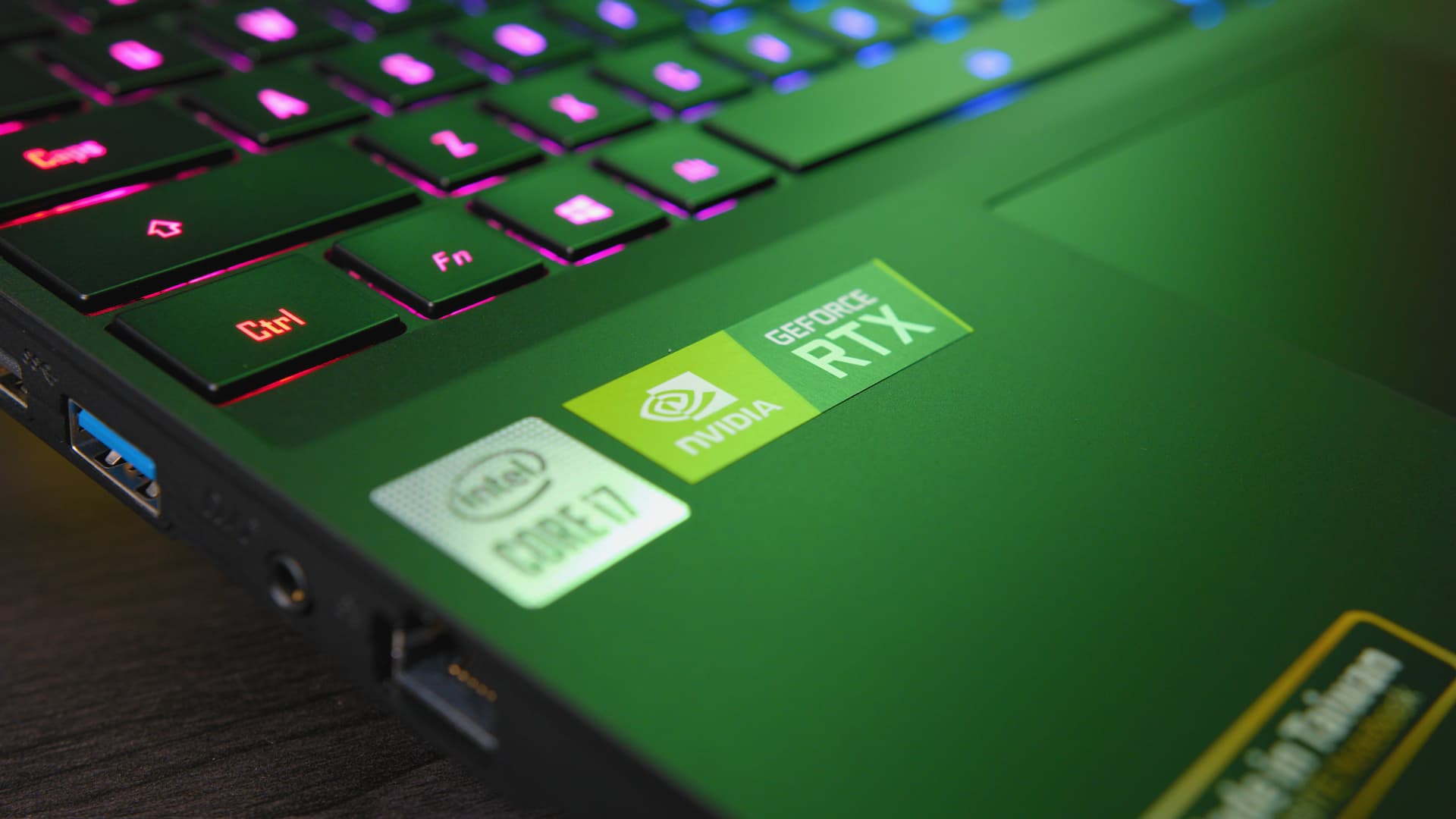
When it comes to gaming, graphics play a crucial role in shaping your experience. The landscapes you traverse, the enemies you face, and the immersive environments you dive into all rely heavily on one thing: the Graphics Processing Unit (GPU). The GPU in a gaming laptop is the key to bringing those vivid visuals to life.
If you’re in the market to buy gaming laptops, understanding why the GPU matters and how to find the best one for your needs is essential.
Understanding the Role of the GPU in Gaming
The GPU is the core component that handles the rendering of images, animations, and video for your laptop. Unlike the CPU, which is more about calculations and processing general tasks, the GPU focuses on graphics-intensive operations.
When you’re playing modern, graphically demanding games, the GPU works overtime to ensure smooth visuals, accurate rendering, and fluid frame rates. The quality of your gaming experience largely depends on the capability of your GPU.
Key Tasks of a GPU in Gaming:
- Rendering 3D graphics: Modern games use complex 3D models and textures, which require a powerful GPU to render smoothly.
- Handling high frame rates: A strong GPU allows games to run at higher frames per second (FPS), providing a fluid and responsive gaming experience.
- Running advanced visual effects: Lighting, shadows, reflections, and particle effects all require robust graphics processing.
- Ensuring compatibility with high-resolution displays: As gaming moves towards 4K and beyond, a good GPU is essential to keep up with these resolution demands.
Why a Good GPU Matters for Gaming Laptops
Choosing a gaming laptop with a good GPU is one of the most critical decisions a gamer can make. The graphics card you choose will impact not just how well your games run but also your ability to play future titles as games continue to push the limits of graphical fidelity.
Performance in High-End Games
For games like Cyberpunk 2077, Call of Duty: Warzone, or Red Dead Redemption 2, a powerful GPU is a must. These titles require enormous amounts of graphical processing power to run smoothly, especially at higher settings or resolutions. A weaker GPU will struggle to keep up, leading to stuttering, lag, or lower-quality graphics, which can ruin the immersive experience.
Moreover, the GPU directly affects the frame rate, which is measured in frames per second (FPS). The higher the FPS, the smoother your game feels. Most gamers aim for at least 60 FPS for an optimal experience, and achieving this on high settings requires a capable GPU.
Future-Proofing Your Gaming Laptop
Technology evolves quickly, and gaming is no exception. Games continue to grow in size, complexity, and graphical demand. By investing in a laptop with a high-end GPU, you’re future-proofing your gaming rig.
It allows you to play upcoming games at higher settings without worrying about major slowdowns or reduced quality. While it might be tempting to save some money and go for a cheaper GPU, remember that doing so may lead to the need for an upgrade sooner than you’d like.
Choosing the Right GPU for Your Gaming Laptop
When it comes to selecting the right GPU for your gaming laptop, it’s important to consider a few key factors. You’ll need to balance performance, budget, and long-term value, all while thinking about the types of games you want to play.
GPU Brands and Models
Two main competitors dominate the GPU market: NVIDIA and AMD. Both brands offer a range of models that cater to different performance levels and price points.
- NVIDIA GPUs: NVIDIA’s GeForce series is well-known for its cutting-edge graphics performance. Cards like the GeForce RTX 30-series (e.g., RTX 3060, 3070, and 3080) are popular among gamers for their ability to handle high-end gaming. These cards also feature ray tracing technology, which enhances lighting and shadow effects for a more realistic gaming experience.
- AMD GPUs: AMD’s Radeon RX series is another strong contender, often offering similar performance to NVIDIA at a slightly lower price point. The Radeon RX 6000-series is a solid option for those looking for high performance without breaking the bank.
Performance Tiers
- Entry-Level GPUs: If you’re a casual gamer who enjoys older or less graphically intense titles, entry-level GPUs like the NVIDIA GTX 1650 or AMD Radeon RX 5500M are decent options.
- Mid-Range GPUs: Gamers who want a balance between performance and cost should look at mid-range GPUs like the NVIDIA RTX 3060 or AMD Radeon RX 6600M.
- High-End GPUs: For those who want the best gaming experience possible, high-end GPUs like the NVIDIA RTX 3080 or AMD Radeon RX 6800M are the way to go.
Other Factors to Consider
While the GPU is a critical component, it’s not the only one. To get the most out of your gaming laptop, you should also think about how the GPU interacts with the rest of the system.
CPU and RAM
A powerful GPU needs a capable CPU to match it. If your CPU can’t keep up, you may experience a bottleneck, where the GPU is held back by slower processing speeds. Aim for at least an Intel i7 or AMD Ryzen 7 processor for mid to high-end gaming laptops. Additionally, at least 16GB of RAM is recommended for modern games, as it helps with multitasking and faster load times.
Display and Refresh Rate
Even with a powerful GPU, the display plays a big role in your gaming experience. Look for laptops with high refresh rates (120Hz or higher) to complement your GPU’s performance, as this will make fast-paced games feel smoother and more responsive. Resolution is also key—1080p is standard, but if you’re getting a high-end GPU, consider a laptop with a 1440p or 4K display.
Conclusion
Ultimately, finding the best gaming laptop for graphics comes down to balancing your budget, gaming preferences, and long-term goals. If you’re someone who enjoys the latest AAA games at ultra settings, investing in a high-end GPU is worth it. However, if you’re more of a casual gamer or plan on playing older titles, a mid-range option may provide a better balance between performance and cost.
By understanding the importance of the GPU and how it impacts your overall gaming experience, you’ll be better equipped to make an informed choice when shopping for a gaming laptop. Happy gaming!
