

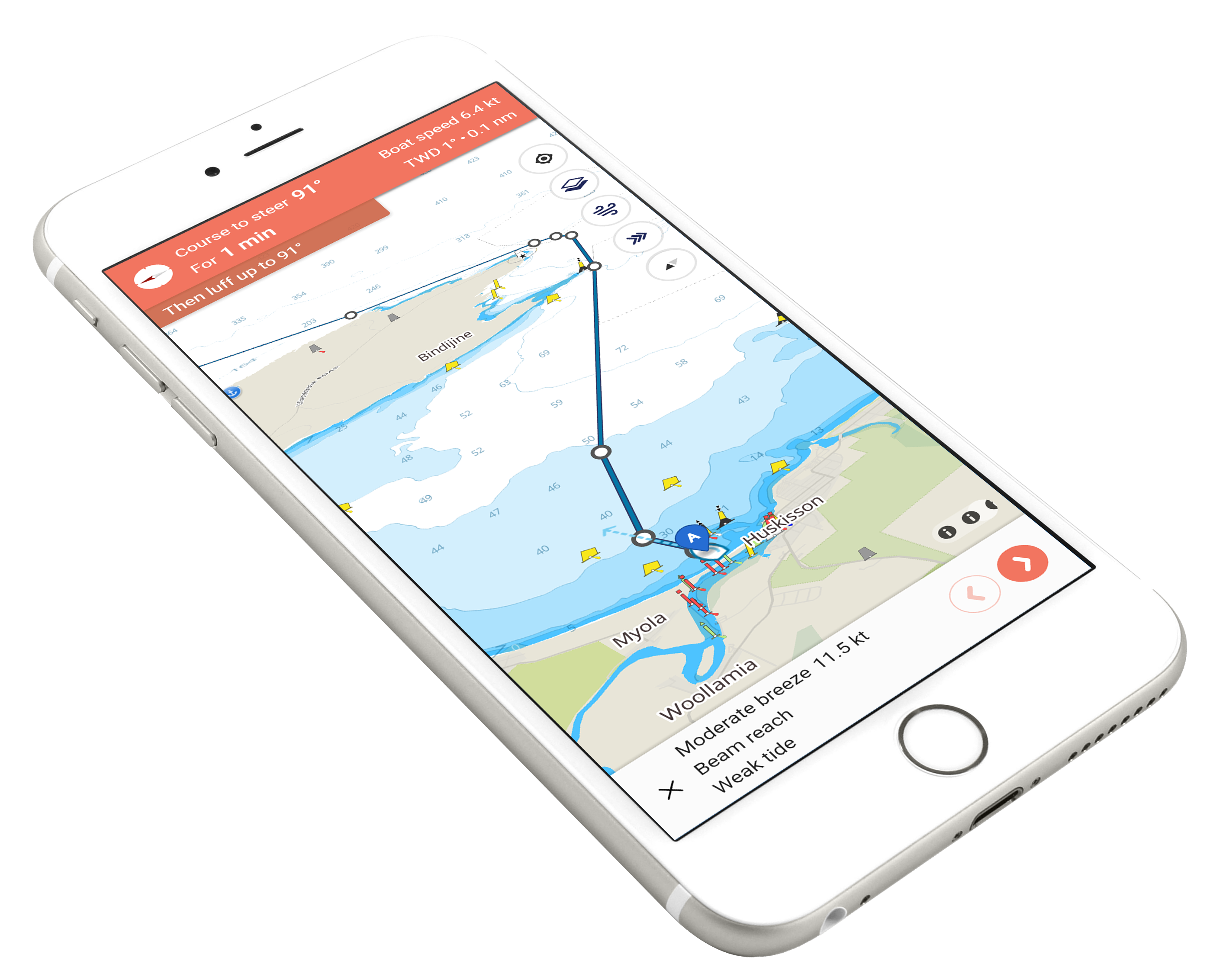
Marine navigation apps have revolutionised boating, offering features that ensure safety, efficiency, and a better overall experience on the water.
However, to get the most out of your marine navigation app, you must customise it to suit your specific needs.
Whether you’re a seasoned sailor or a weekend boater, personalising your app can make a significant difference. In this blog post, we’ll explore how to customise your marine navigation app for a tailored and optimised boating experience.
Why Customization Matters
Enhanced User Experience
Customisation allows you to streamline the interface and access the features you use most frequently, enhancing your overall user experience.
Improved Safety
By setting up personalised alerts and preferences, you can receive timely notifications about conditions that specifically impact your boating activities, improving your safety on the water.
Tailoring the app to your specific routes and preferences helps you navigate more efficiently, saving time and fuel.
Getting Started with Customization
The first step in customisation is choosing an app that offers a high degree of personalisation. Some of the best marine navigation apps include:
- Navionics: Known for its detailed charts and customisable features.
- iNavX: Offers extensive chart options and user-specific settings.
- Garmin ActiveCaptain: Provides comprehensive data and seamless integration with Garmin devices.
- C-MAP: Features robust route planning and customisable chart layers.
Set Up Your Profile
Begin by setting up your profile in the app. This may include entering details about your boat, preferred units of measurement (e.g., nautical miles, knots, feet), and any specific boating activities you engage in, such as fishing, sailing, or cruising.
Customising Charts and Maps
Select Chart Layers
Most marine navigation apps allow you to choose which chart layers to display. Customise these layers based on your needs:
- Depth Contours: Essential for safe navigation in shallow waters.
- Tides and Currents: Crucial for planning your route and docking.
- Marine Services: Locate marinas, fuel docks, and repair facilities.
- Fishing Spots: Mark and save your favourite fishing locations.
Customise Map Overlays
Add overlays to your maps for additional information:
- Weather Overlays: Show real-time weather data, including wind, precipitation, and temperature.
- AIS (Automatic Identification System): Display nearby vessels to enhance situational awareness and avoid collisions.
- Satellite Imagery: Provide a realistic view of coastal areas and anchorages.
Personalize Color Schemes
Some apps allow you to customise the colour schemes of your charts for better visibility and ease of use. Choose colours that stand out and are easy to read under different lighting conditions.
Route Planning and Waypoints
Create Custom Routes
Plan your routes and save them for future trips. Customise these routes based on your preferences:
- Preferred Path: Choose routes that avoid known hazards or areas with heavy traffic.
- Fuel Efficiency: Optimize routes for fuel efficiency by considering currents and wind conditions.
- Scenic Routes: Select routes that offer the most scenic views if you’re cruising for leisure.
Set Waypoints
Waypoints are essential for navigation, marking specific locations you want to visit or avoid:
- Fishing Spots: Mark your favourite fishing spots for easy access on future trips.
- Hazards: Identify and mark hazards such as rocks, shallow areas, and reefs.
- Anchorages: Save locations of good anchorage spots.
Custom Alerts and Notifications
Weather Alerts
Set up custom weather alerts to receive notifications about conditions that affect your safety:
- Wind Speed and Direction: Get alerts for high winds or changes in wind direction.
- Storm Warnings: Receive early warnings about approaching storms or hurricanes.
- Temperature Changes: Monitor significant temperature drops or rises.
Customise navigational alerts to keep you informed of important events:
- Proximity to Waypoints: Receive alerts when approaching a waypoint or destination.
- Depth Changes: Get notifications if you enter shallow waters or areas with significant depth changes.
- Collision Warnings: Set up AIS alerts to warn you of potential collisions with other vessels.
Utilising Advanced Features
Advanced Weather Tools
Take advantage of advanced weather tools for detailed forecasts:
- GRIB Files: Access GRIB files for high-resolution weather data, including wind, waves, and atmospheric pressure.
- Weather Routing: Use weather routing tools to plan the safest and most efficient routes based on current and forecasted weather conditions.
Performance Monitoring
Monitor your boat’s performance using integrated tools:
- Fuel Consumption: Track fuel consumption to optimise efficiency.
- Speed and Distance: Monitor your speed and distance travelled to improve navigation and trip planning.
Safety Features
Ensure your app is set up with all available safety features:
- Man Overboard (MOB) Alerts: Quickly mark the location of a man overboard incident.
- Emergency Contacts: The app stores emergency contact information and procedures for quick access in case of an emergency.
Final Words
Customising your marine navigation app is essential for a personalised and efficient boating experience. By tailoring the app’s features to your specific needs, you can enhance safety, improve navigation, and enjoy a more user-friendly interface.
These tips will help you make the most of your marine navigation app, from setting up custom alerts to integrating with onboard electronics and leveraging community data.
So, take the time to explore and customise your app, ensuring it meets your unique boating requirements and enhances your time on the water.
